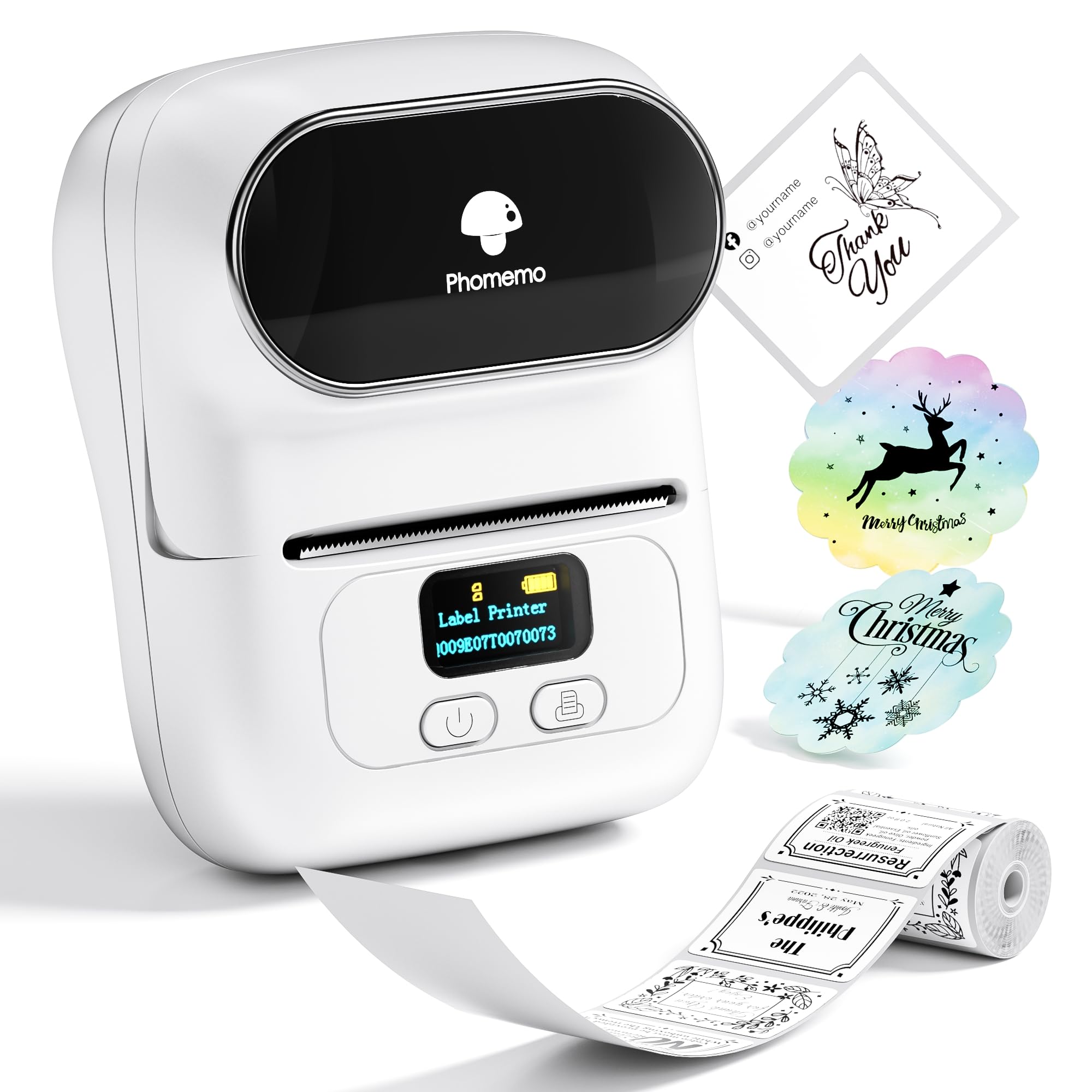
This Phomemo M110 review looks at a portable thermal label maker for small-business, home, and organization tasks.
Its compact label range and phone-and-PC compatibility make it worth considering when your labels do not need to serve as shipping labels.
Phomemo M110 Review Summary
The quick verdict
6,000+ ratings
Read Amazon ReviewsPhomemo M110
A fit for small-business and home users who want a portable, inkless printer for compact labels, barcodes, clothing, and organization.
- Thermal black-and-white printing requires no ink or ribbon.
- Label width range: 20mm to 50mm; not intended for shipping labels.
- Bluetooth connection with one-click printing and a range up to 33 feet.
- More than 300 label templates, with an option to create custom templates.

Pros
- Inkless thermal printing avoids ink and ribbon replacements.
- Templates and custom designs suit repeat labels as well as one-off jobs.
Consider before buying
- The 20mm to 50mm label range and explicit shipping-label limitation rule it out for parcel-label printing.
- Bluetooth setup depends on the app workflow, so buyers should check that their device supports the intended connection process.
Read the full review summary
The M110 is aimed at short, everyday labeling jobs: its thermal printing avoids ink and ribbon, and its app offers templates plus custom label creation.
The stated label width range is 20mm to 50mm, with uses including clothing, food, telecommunications, jewelry, school, and home labels.
It suits a small business or household that values phone-based editing, barcode work, and batch printing more than shipping-label capability.
Because the M110 is explicitly not for shipping labels, buyers preparing parcels should choose a printer built for that job.
The buying factors
Phomemo M110 Scorecard
Editorial scores reflect listed features and buyer fit; they are not laboratory measurements or customer ratings.
Small-label range
A 20mm to 50mm range supports compact labels for cables, clothing, retail, and household organization, while excluding shipping labels.
Ink-free printing
Thermal printing means there is no ink or ribbon to replace, a practical advantage for recurring small-label jobs.
Template flexibility
The app includes more than 300 templates and allows custom template creation, giving users a starting point for repeat label formats.
Phone and PC use
Bluetooth and compatibility with phones and PCs offer flexible setup, though the source emphasizes the app-based workflow.
Batch-label workflow
Excel batch printing can help when a small operation needs to prepare multiple labels in one workflow.
Shipping-label fit
The M110 is expressly unsuitable for shipping labels, so it is a poor fit for routine parcel dispatch.
Key Features and Specifications of Phomemo M110
- Thermal black-and-white printing requires no ink or ribbon.
- Label width range: 20mm to 50mm; not intended for shipping labels.
- Bluetooth connection with one-click printing and a range up to 33 feet.
- More than 300 label templates, with an option to create custom templates.
- The app supports label editing, typesetting, and Excel batch printing.
- OCR can turn text in photos into editable text.
Pros and Cons of Phomemo M110
Pros
- Inkless thermal printing avoids ink and ribbon replacements.
- Templates and custom designs suit repeat labels as well as one-off jobs.
- Bluetooth and phone-and-PC compatibility give users more than one device option.
- Excel batch printing is useful for repeated label work.
Consider before buying
- The 20mm to 50mm label range and explicit shipping-label limitation rule it out for parcel-label printing.
- Bluetooth setup depends on the app workflow, so buyers should check that their device supports the intended connection process.
- The print output is black and white, which limits it to buyers who do not need color labels.
Who Should Buy Phomemo M110?
Good fit
Choose the M110 if you need a portable printer for compact inventory, barcode, cable, clothing, food, or home-organization labels. Its thermal method avoids ink and ribbon, while templates and custom designs can simplify repeat formats.
It is also a sensible fit for users who prefer editing on a phone or PC and want an Excel batch-printing option for repeated small-business tasks.
Check that the device and app workflow match how you plan to create labels before buying.
Who should skip it
Skip the M110 if your main job is printing shipping labels; that use is expressly outside its intended range.
Choose another format if you need color output or labels wider than 50mm, since this printer is black and white and supports labels only up to that stated width.
Phomemo M110 Review Analysis
Label size defines the job
The 20mm to 50mm range frames the M110 as a compact-label tool.
That suits identifying cables, clothing, stock, or household items, but buyers should not treat the word “address” in its name as evidence of parcel-label suitability; the printer is explicitly not for shipping labels.
Thermal printing cuts consumables
Inkless thermal output removes ink and ribbon from the routine supply list. That can be convenient for frequent small runs, although buyers still need compatible label stock and should confirm the available formats suit their work.
App tools support repeat work
Template selection, custom layouts, OCR, and Excel batch printing address different parts of a labeling workflow: creating a design, turning photo text into editable copy, and preparing repeated labels.
The M110 is most compelling when those tools match the user's routine.
Connection flexibility has a practical limit
Bluetooth provides a wireless option, and phone-and-PC compatibility broadens the device choices. The supplied workflow centers on the Phomemo app, so buyers should confirm it fits their device and setup preferences before relying on it for business tasks.
Alternatives to Phomemo M110
Desktop Label Printers alternative
5,000+ ratings
Read Amazon ReviewsNelko Bluetooth Thermal Shipping Label Printer
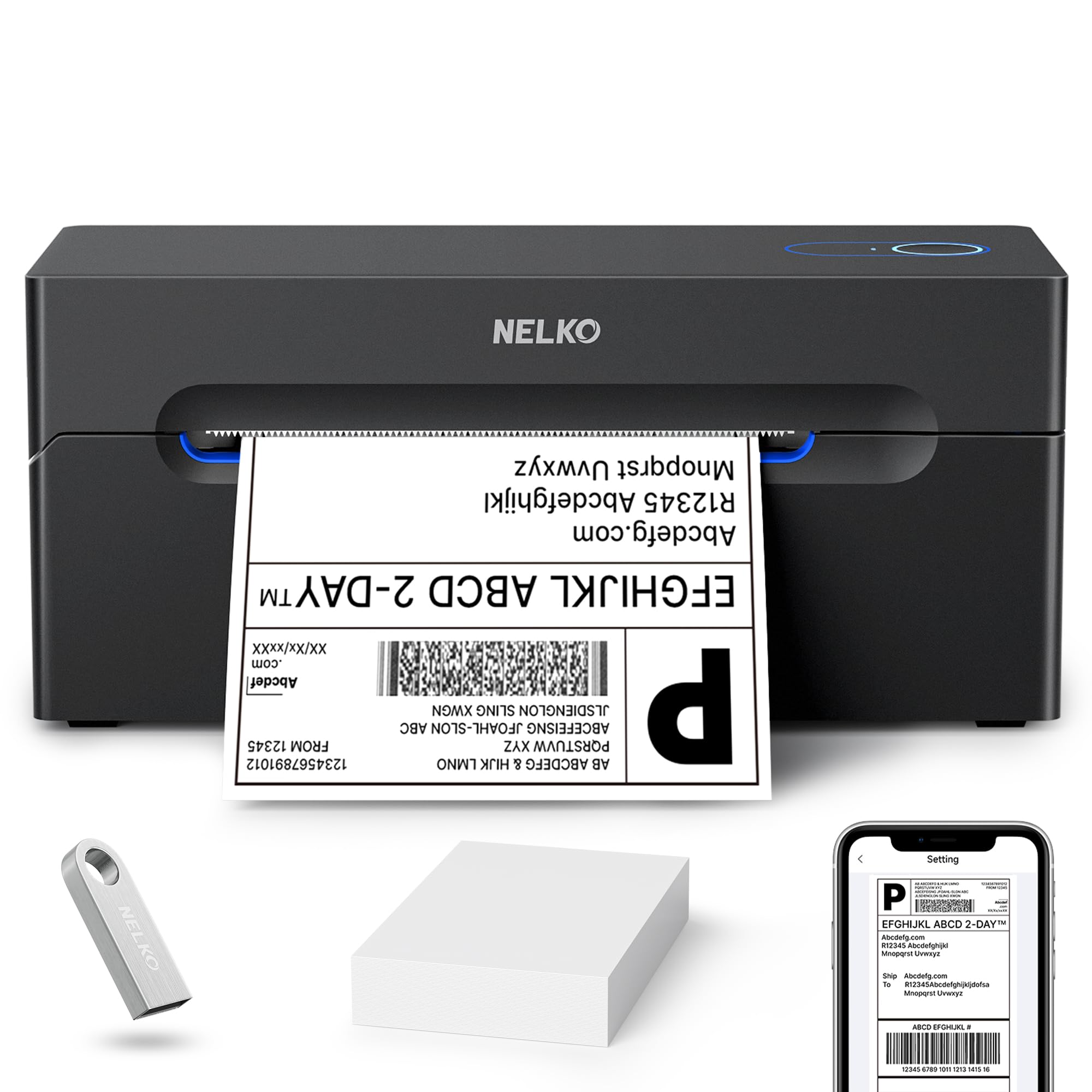
Choose the Nelko if your work centers on shipping labels and you want its wider supported formats or USB printing across the named computer systems; choose the M110 for compact labels and small-business identification tasks.
- The Nelko supports label widths from 1.54 inches to 4.1 inches, includes 4x6 formats, and supports USB printing from Windows, Mac OS, and Chrome OS.
- The M110 is for labels 20mm to 50mm wide and is not for shipping labels, making it a fit for smaller identification and organization jobs.
Desktop Label Printers alternative
8,000+ ratings
Read Amazon ReviewsNIIMBOT Label Maker Machine D101
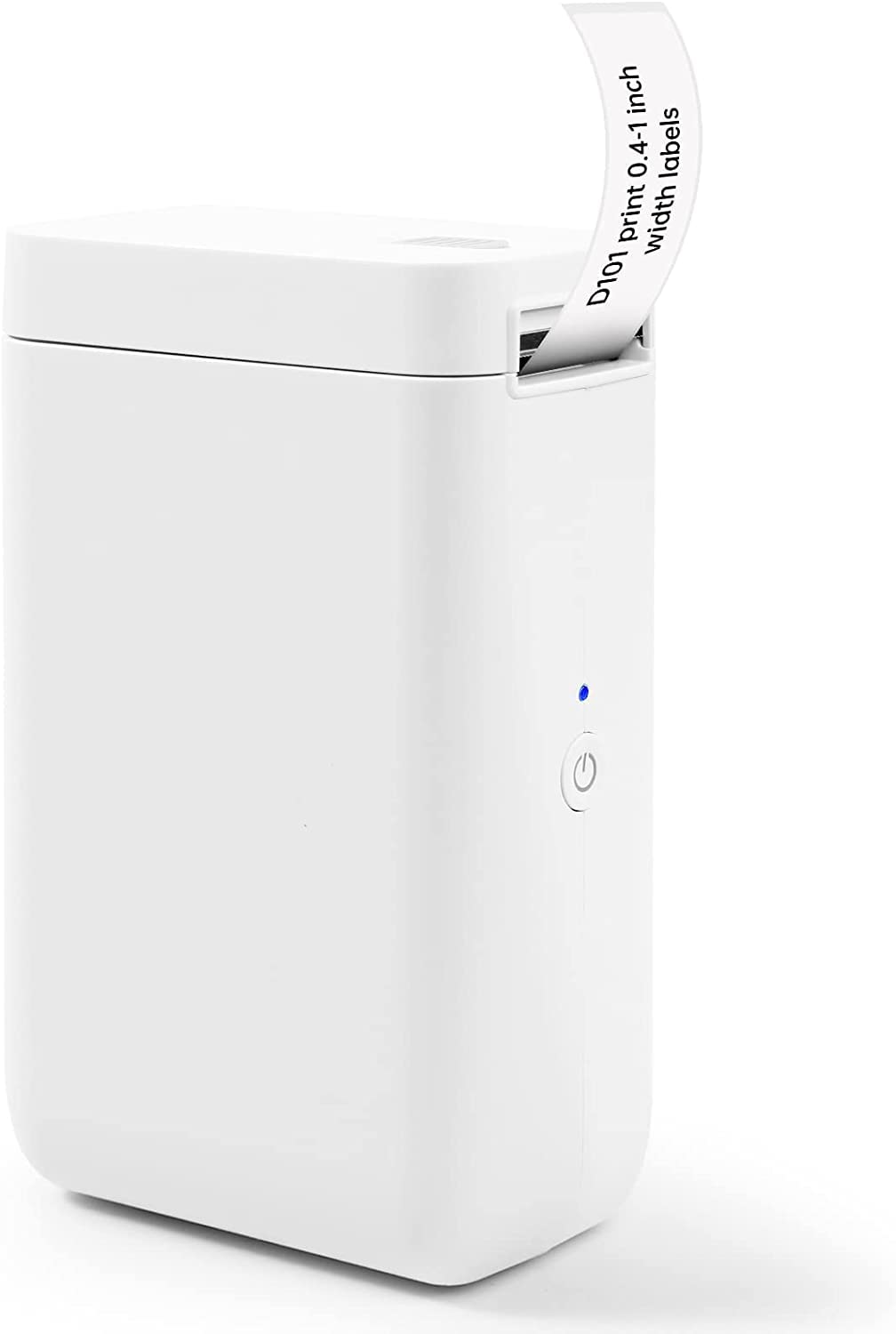
Pick the NIIMBOT if its 0.5-inch and 1-inch tapes better match your preferred formats or if rechargeable operation is a priority; stay with the M110 for its 20mm to 50mm range and stated small-business, barcode, and clothing uses.
- The NIIMBOT D101 supports 0.5-inch and 1-inch tape widths and is rechargeable, with up to 2 months of use on a single charge.
- The M110 supports a 20mm to 50mm label width range and phone-and-PC compatibility for small-business and home labels.
Is Phomemo M110 Worth It?
The Phomemo M110 is worth considering for compact, monochrome labeling without ink or ribbon, with uses including clothing, cable, retail, and home organization. Its templates, custom designs, OCR, and Excel batch printing support repeated label jobs.
It is a poor choice for shipping labels or any workflow requiring wider or color output.
If your labels stay within the stated 20mm to 50mm width and you want phone-and-PC flexibility, the M110 offers a focused set of tools for those jobs.
Your review at a glance
6,000+ ratings
Read Amazon ReviewsPhomemo M110
A fit for small-business and home users who want a portable, inkless printer for compact labels, barcodes, clothing, and organization.
- Thermal black-and-white printing requires no ink or ribbon.
- Label width range: 20mm to 50mm; not intended for shipping labels.
- Bluetooth connection with one-click printing and a range up to 33 feet.
- More than 300 label templates, with an option to create custom templates.